
Universal Panasonic Air Conditioner Heat Pump Remote Controller
10488
$19.50 NZDUnit price /UnavailableIn stock (7 units)-

UNIREMT01
$17.50 NZDUnit price /UnavailableIn stock (4 units)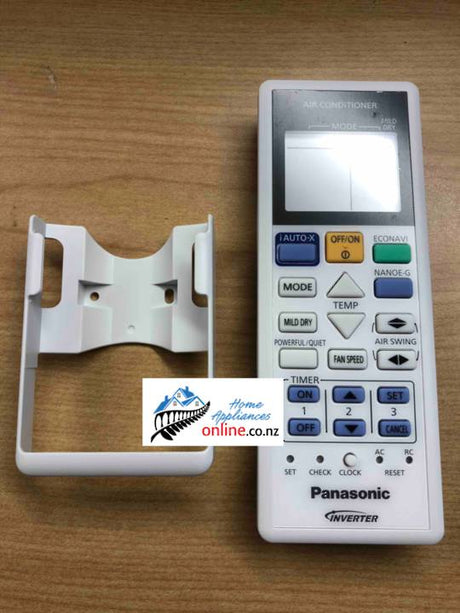 $20.14 off
Panasonic Air Conditioner and Heat Pump Remote Control - CSE21LKR, CUE21LKR, CSE24LKR, CUE24L
05830
$59.85 NZD$79.99Unit price /UnavailableIn stock (3 units)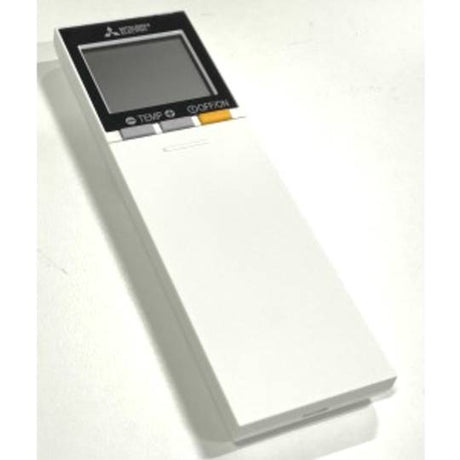
Mitsubishi Air Conditioner / Heat Pump Remote Control SG15D
HA80426
$79.00 NZDUnit price /UnavailableIn stock (5 units)Ha642045
$37.00 NZDUnit price /UnavailableLow stock (2 units)-
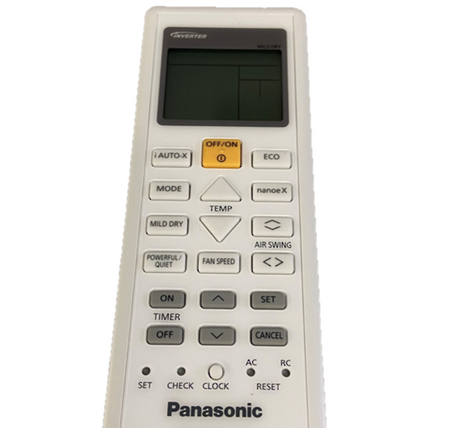
Panasonic Air Conditioner and Heat Pump Remote Control VKR Series 16330 TKC04
05830za
$55.55 NZDUnit price /UnavailableVery low stock (1 unit)
Fujitsu Air Conditioner Remote Control Original
HA93770
$77.50 NZDUnit price /UnavailableIn stock (3 units)Daikin Air Conditioner Heat Pump Remote Control (ARC466A28) – Suits FTXM / FTXV Series – Genuine
HA16015D
$165.00 NZDUnit price /UnavailableIn stock (4 units)-
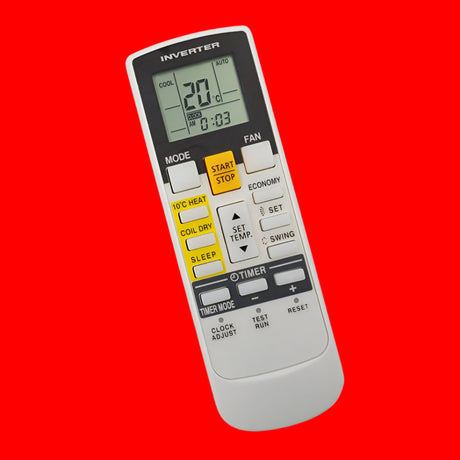
Fujitsu Air Conditioner Heat Pump Remote Universal ABTA36LAT ABTF18LAT ABTF18LA AR-RAH2E AR-RAE1E
HA93767
$19.50 NZDUnit price /UnavailableIn stock (15 units)
Daikin Air Conditioner Heat Pump Remote Control Holder – Genuine FTXS35 / FTXS60 / FTXS71
HA00889
$17.50 NZDUnit price /UnavailableVery low stock (1 unit)
05830HK
$89.00 NZDUnit price /UnavailableLow stock (2 units)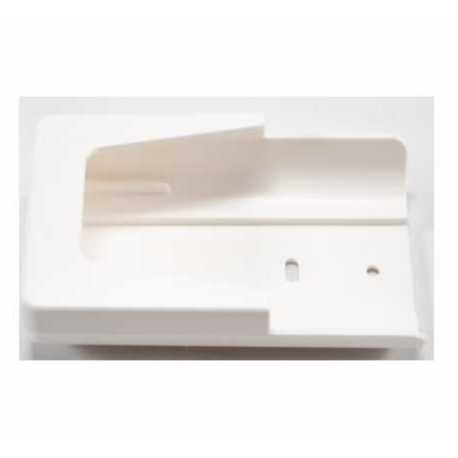
Daikin Aircon Remote Control Holder - Genuine
HA04122
$18.00 NZDUnit price /UnavailableLow stock (2 units)
Mitsubishi Air Conditioner Heat Pump Remote Control SG17B 244C
09579M
$75.00 NZDUnit price /Unavailable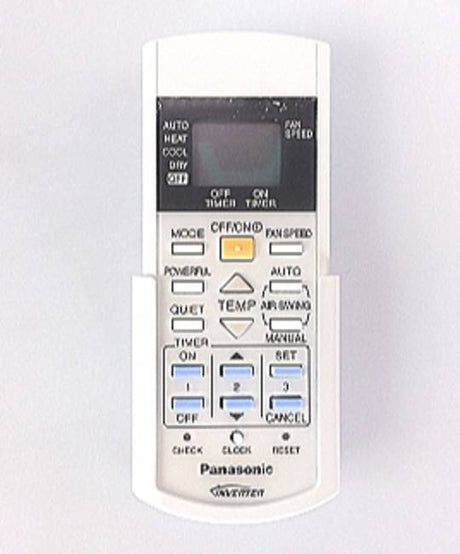
05828
$42.00 NZDUnit price /UnavailableLow stock (2 units)
Daikin Air Conditioner Heat Pump Remote Control (ARC452A4) Suits FTKS FTXS Series Genuine Oem
HA33889
$135.00 NZDUnit price /Unavailable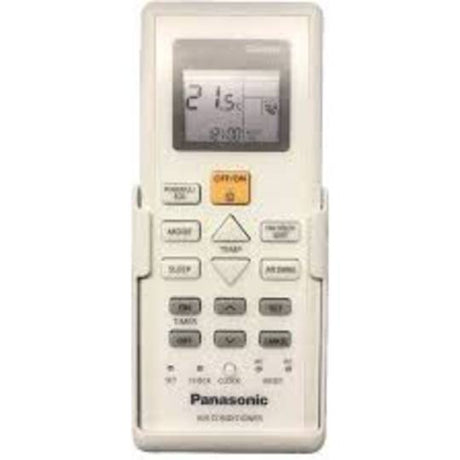
Panasonic Air Conditioner Heat Pump Remote Control CS-RZ50WKRW CS-RZ42WKRW CS-RZ25WKRW CS-RZ35WKRW
HA16149
$53.95 NZDUnit price /UnavailableIn stock (3 units)Mitsubishi Air Conditioner Heat Pump Remote Control Wall Mount Holder
02961
$17.19 NZDUnit price /UnavailableIn stock (3 units)-
HA446290
$87.00 NZDUnit price /UnavailableVery low stock (1 unit)-

Fujitsu Air Conditioner Remote Control AOTG09LVCC ASTG07LVCA ASTG09LVCA
HA93766
$68.00 NZDUnit price /UnavailableVery low stock (1 unit)
09579K
$35.00 NZDUnit price /UnavailableIn stock (4 units)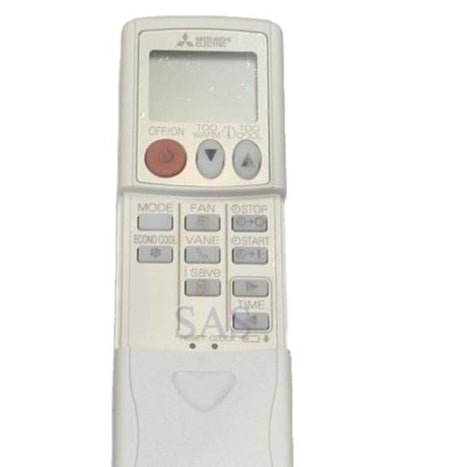
Mitsubishi Air Conditioner and Heat Pump Remote Controller MSZ
05830GM
$98.00 NZDUnit price /UnavailableVery low stock (1 unit)
Daikin Air Conditioner Heat Pump Remote Control ARC480A55 CTXF, FTXF GENUINE
HA23722
$110.00 NZDUnit price /UnavailableIn stock (3 units)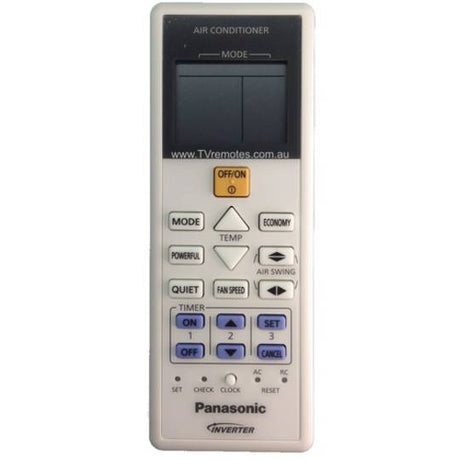
Panasonic Air Condition and Heat Pump Remoter Controller Wireless CS
HA75C4149
$59.00 NZDUnit price /UnavailableVery low stock (1 unit)
UNIREMT02
$25.00 NZDUnit price /UnavailableIn stock (5 units)





Replacement Heat Pump Remote Control NZ: How to Find the Right One
Finding a replacement heat pump remote control in NZ is much easier once you know which code to look for. Our range covers remotes, wired controllers, wall holders and a back cover for Mitsubishi, Daikin, Fujitsu, Panasonic, LG and Haier heat pumps and air conditioners. Most listings name either the remote's own model code or the indoor units it suits.
Most wall-mounted heat pumps have little more than an emergency operation button on the indoor unit, so a lost, cracked or faulty remote can leave you unable to change mode, temperature or fan speed. Below we explain how to check your old remote, match it to your system, and choose between a direct replacement and a universal option.
Check these first
Before ordering, rule out the simple causes. A remote that seems dead is often fine.
- Batteries: fit a fresh pair of the correct size and make sure they face the right way. Weak batteries often show up as a faint or flickering display.
- Battery contacts: look for white or green corrosion on the springs and terminals. Heavy corrosion is a common reason a remote stops working after a battery leak.
- Infrared signal: point the remote at a phone camera and press a button. On many phones you'll see a small flashing light on screen. If there's no flash even with new batteries, the remote is the likely fault.
- The indoor unit: check that the unit has power and that nothing is blocking the receiver window on the front panel. If the unit still won't respond to the emergency button, the problem is the heat pump, not the remote.
Other signs your heat pump remote needs replacing: buttons that only work when pressed hard, a blank or partly missing display, cracked casing, a lost battery cover, or water damage.
How to find the right heat pump remote
There are two numbers worth finding, and either one will usually lead you to the right listing.
1. The remote's own model code. This is usually printed on the back of the remote or inside the battery compartment. Examples from our range:
- Mitsubishi: SG15D, SG10A, SG17B, KM08A, KM09D
- Daikin: ARC466A28, ARC452A4, ARC480A55, ARC433A21
- Fujitsu: AR-RAH2E, AR-RAE1E, AR-REA1E, AR-RY3
- LG: AKB74375303, AKB73855716, 6711A20091H
- Panasonic: part numbers such as ACXA75C21620 or ACXA75C07400
2. The indoor unit model number. You'll find this on the rating label, usually on the side of the indoor unit or under the front cover. Many of our listings name these models directly, such as Mitsubishi MSZ-GE60VA-A1 or MSZ-FB25VA, Daikin FTXM, FTXS or FTXF series, and Panasonic CS-RZ25WKRW or CS-E9GFEW. Our guide on how to find your appliance model number shows where to look.
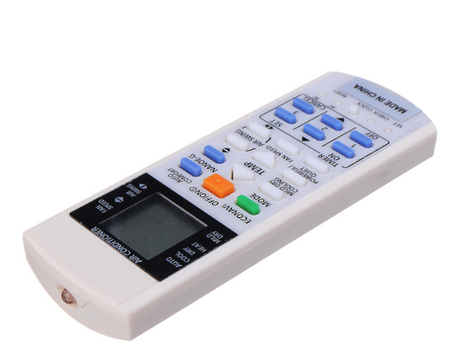
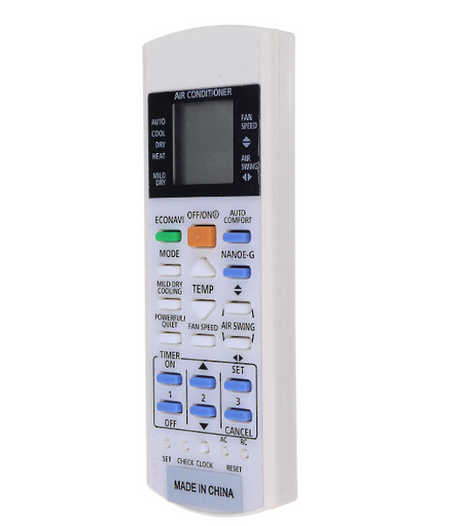
Once you have a number, look for it in the product title. Some listings note remotes that are interchangeable, such as the Mitsubishi SG15J and SG11D, or the KM16H and KM05C. Also compare the product photo with your old remote. If the button layout and display look quite different, check with us before ordering.
| Type | Examples in our range | What to check |
|---|---|---|
| Model-specific replacement remote | Daikin ARC466A28 for FTXM / FTXV, Mitsubishi SG15D, LG AKB74375303 | The remote code or indoor unit model matches the listing |
| Universal or compatible remote | Universal Panasonic remote, generic Mitsubishi remote, Fujitsu-compatible remote for AR-DJ5 / AR-JE5 / AR-PV1 | The brand matches, and your remote or unit model is listed as supported |
| Wired wall controller | Panasonic wired controllers for CSF50DD1E5 and CU-L43DBE5 | An exact model match; installation by a qualified technician |
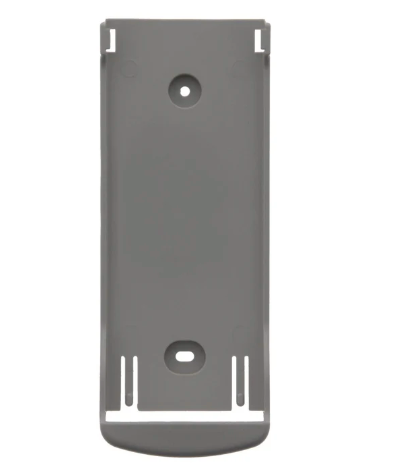
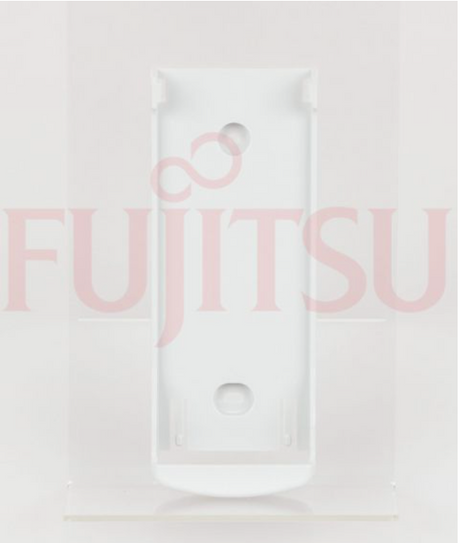
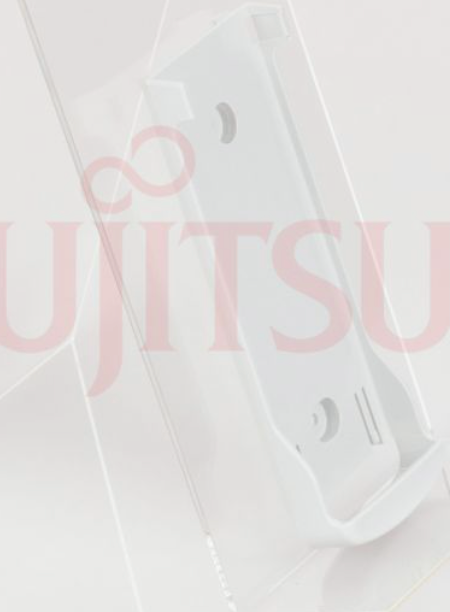
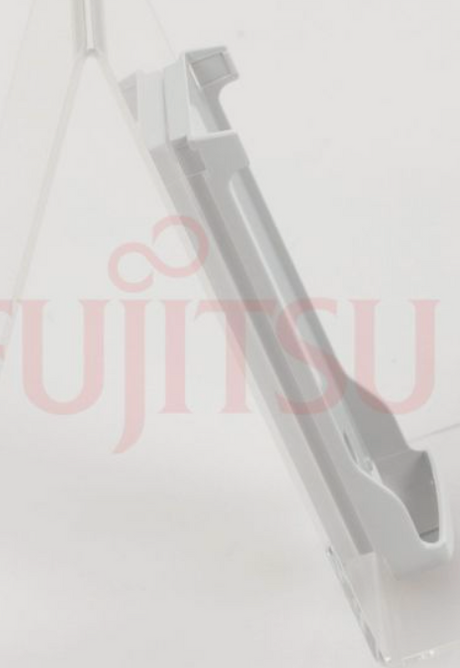
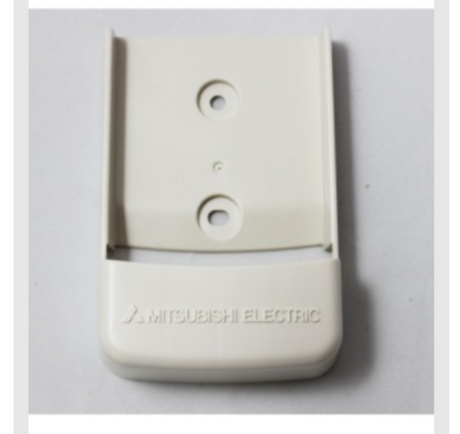
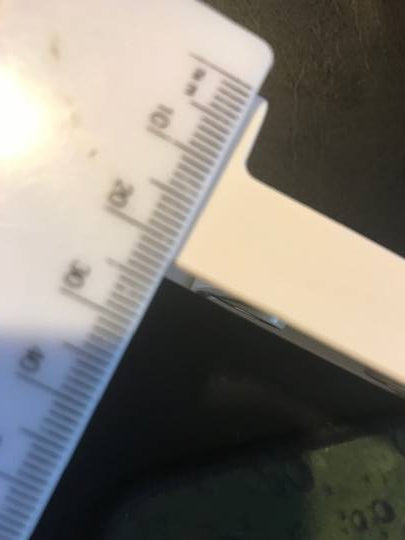
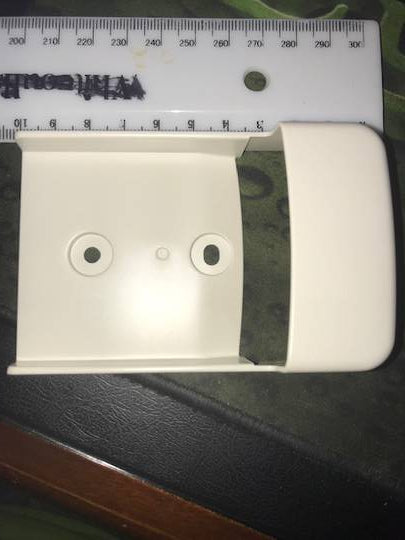
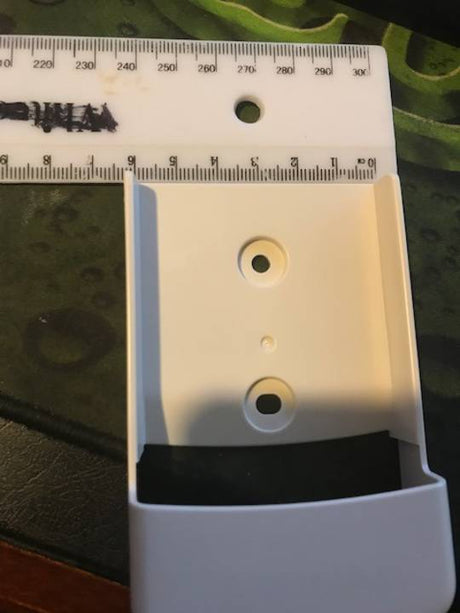
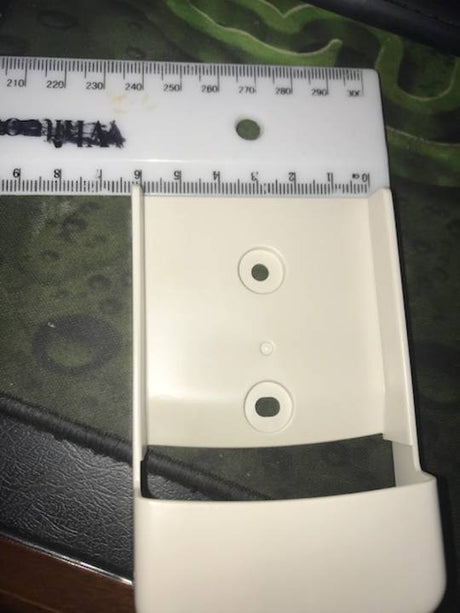
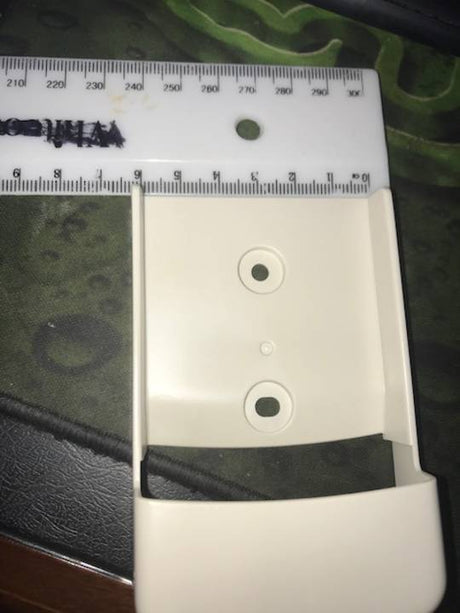
| Remote wall holder | Mitsubishi MSZ holder, Daikin FTXS holder, Fujitsu holders | The holder suits your remote's shape and listed models |
| Back cover | Fujitsu AR-REM3E (AR-RY19) back bottom cover | It replaces only the casing, so the remote itself must still work |
Brand-specific notes
Mitsubishi: remote codes usually start with SG or KM, and many listings name the MSZ indoor series they suit, such as MSZ-GE, MSZ-GS, MSZ-FB or MSZ-A. If your remote code is worn off, the MSZ model on the indoor label is the next best match. See our wider range of Mitsubishi parts.
Daikin: look for a code starting with ARC. Daikin remotes are usually matched to series such as FTXM, FTXV, FTKS, FTXS and FTXF, so check that both the code and the series line up. Browse more Daikin parts.
Fujitsu: codes usually start with AR-, such as AR-RAH2E or AR-RY3. A few listings use a numeric part number instead, so if your code isn't in a title, search by your indoor model, for example ASTG or AGTG units. See all Fujitsu parts.
Panasonic: listings may name the remote part number (ACXA75C), the remote series, or the indoor units (CS-RZ, CS-E). Panasonic remotes can look alike across ranges, so matching the indoor model is the safest check. Browse Panasonic parts.
LG and Haier: LG remotes are listed by the code printed on the remote, usually starting with AKB or 6711A. Several LG remotes show Enquire Now instead of a price. Send us your model number and we'll check availability. More LG parts are available. For Haier, contact us with your indoor unit model to confirm a match.
Choosing between a universal and a model-specific remote
A model-specific remote is made to match your system, so the buttons, modes and display should be what you're used to. It's the better choice if you rely on timers, specific fan or swing settings, or other functions particular to your unit.
A universal or compatible remote suits you if you've lost the original, can't find the exact code, or just need reliable everyday control of on/off, mode, temperature and fan. Check that the listing names your brand, and ideally your remote or unit model. If you're unsure whether it will cover the features you use, ask us before ordering.
Fitting tips
- Remove the batteries from your old remote if you're keeping it, so it can't leak.
- Fit fresh batteries in the new remote, and set the clock if the display asks for it.
- Point the remote at the receiver on the indoor unit and test on/off, mode and temperature.
- If a universal remote needs a brand or code setting, follow its setup steps before testing.
- Wired wall controllers connect into the heat pump's control wiring. Have these installed by a qualified air conditioning technician or licensed electrician.
- Fit a wall holder somewhere with a clear line of sight to the indoor unit, so the remote is always to hand.
Related heat pump parts
While you're sorting out the remote, check your filters too. Clogged filters reduce airflow and efficiency, and our air conditioner and heat pump filters cover many common models. For everything else, browse all air conditioner and heat pump parts, read about NZ delivery and pick-up, or contact our team with your model number and we'll help you find the right part.
Frequently asked questions
How do I know if my heat pump remote is broken or just needs new batteries?
How do I know if my heat pump remote is broken or just needs new batteries?
Fit fresh batteries first and check the battery contacts for corrosion. Then point the remote at a phone camera and press a button, and on many phones you will see a small flashing light. If there is no flash with new batteries, or the display is blank, cracked or missing segments, the remote probably needs replacing.
Where do I find the model number for my heat pump remote?
Where do I find the model number for my heat pump remote?
The remote's code is usually printed on the back or inside the battery compartment, for example SG15D, ARC466A28, AR-RAH2E or AKB74375303. If it has worn off, use the model number on the rating label of the indoor unit, which is usually on the side or under the front cover. Many of our listings name both.
Will a universal remote work as well as a replacement made for my model?
Will a universal remote work as well as a replacement made for my model?
A universal or compatible remote usually handles everyday functions like on and off, mode, temperature and fan for the brands it lists. A model-specific remote is the safer choice if you rely on timers or features unique to your unit. If you are unsure, send us your model number and we can advise.
Can I set up a replacement heat pump remote myself?
Can I set up a replacement heat pump remote myself?
Yes, most handheld remotes only need fresh batteries, and sometimes the clock set, before you point them at the indoor unit and test them. Universal remotes may need a brand or code setting first. Wired wall controllers connect into the system's wiring and should be installed by a qualified technician.
What if I cannot find my heat pump model listed?
What if I cannot find my heat pump model listed?
Contact our team with the remote code and the indoor unit model number, plus a photo of your old remote if you have one. We can check for an interchangeable or compatible remote, or see whether we can source one for you.