
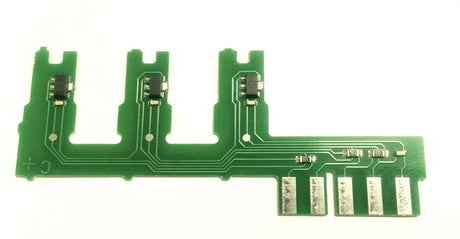
Fisher & Paykel Washing Machine Rotor Position Sensor RPS PCB Only 420296P 420296
01621PCB
$27.50 NZDUnit price /UnavailableIn stock (13 units)
Fisher Paykel Washing Machine Motor Control Module PCB IW712
02328
$270.00 NZDUnit price /Unavailable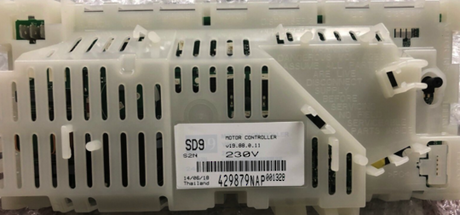
10955
$278.00 NZDUnit price /UnavailableVery low stock (1 unit)Fisher Paykel Washing Machine Washsmart Pcb WH8560F1 WH8060F1 WH8560P1 And More
HA10035
$289.00 NZDUnit price /Unavailable-
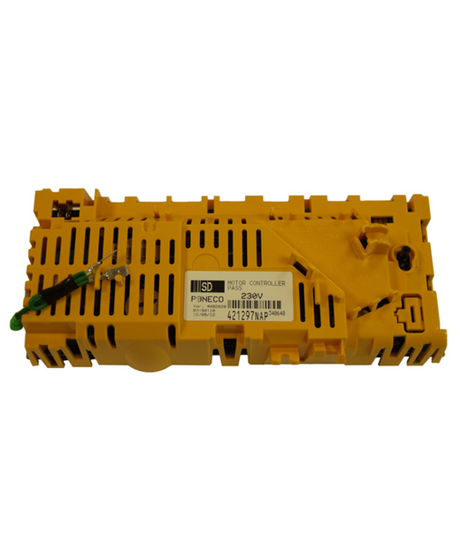
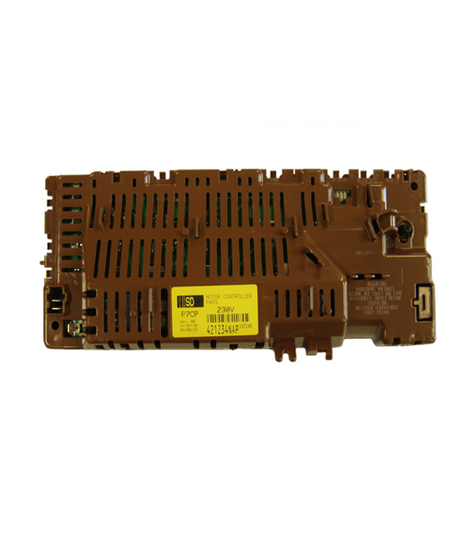
Fisher Paykel Or Elba Washing Machine Motor Control Module PCB MW512
02326
$374.95 NZDUnit price /Unavailable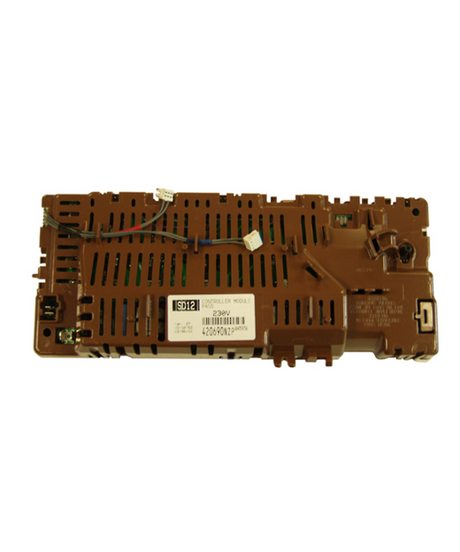
Fisher and Paykel And Elba Washing Machine Motor Control Module Pcb SD11 SD12
02325
$330.00 NZDUnit price /Unavailable-
-

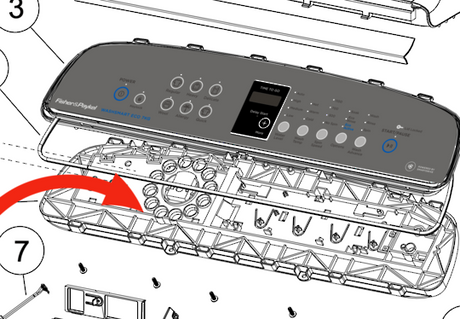
Fisher Paykel Washing Machine Display Control Module Pcb
HA18104
$189.00 NZDUnit price /Unavailable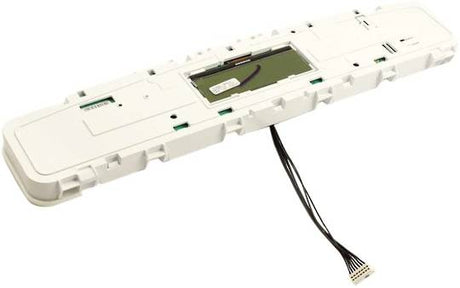
Fisher Paykel Washing Machine Display Control Module Aqua Smart WL80T65CW1
HA421613
$225.00 NZDUnit price /UnavailableVery low stock (1 unit)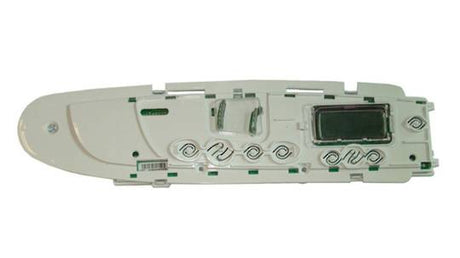
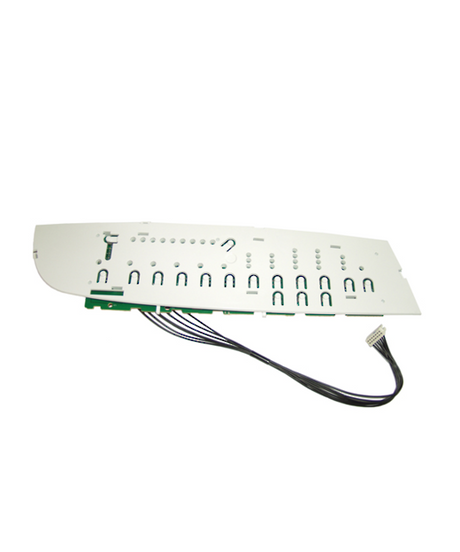
Fisher Paykel Or Elba Washing Machine Display Module Controller 421098P 420090 420605P
02335
$190.00 NZDUnit price /Unavailable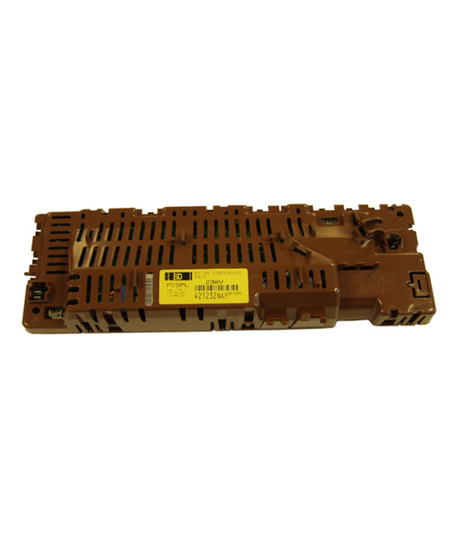
02332
$300.00 NZDUnit price /Unavailable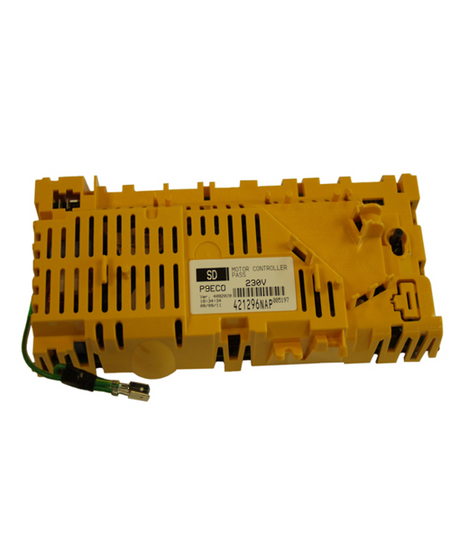
Fisher and Paykel Washing Machine Motor Control Module ,Pcb
02331
$285.00 NZDUnit price /Unavailable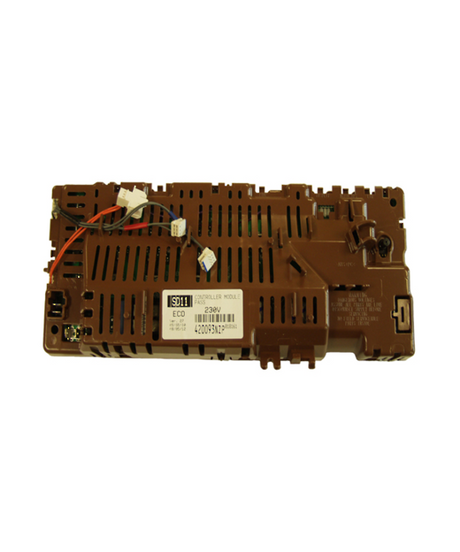
Fisher and Paykel Or Elba Washing Machine Motor Control Module Pcb 421389NAP
02329
$355.00 NZDUnit price /Unavailable-
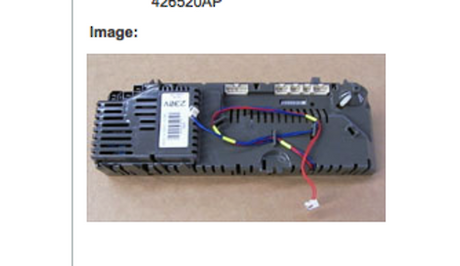
Fisher Paykel Washing Machine Pcb Display Control Module WA1068G1, 93207, 93241, 93265
10954
$185.00 NZDUnit price /Unavailable-
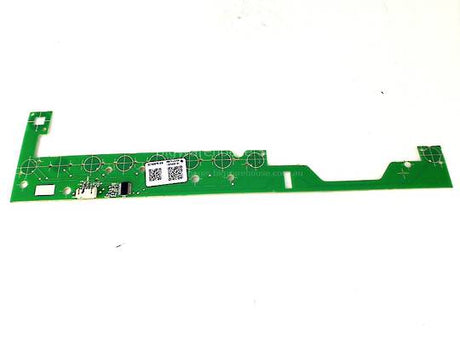
Fisher Paykel Washing Machine Washsmart WH7560P1 Pcb Button Touch WH7560J1, WH7560P2, WH8560F1
HA21800047B
$92.00 NZDUnit price /Unavailable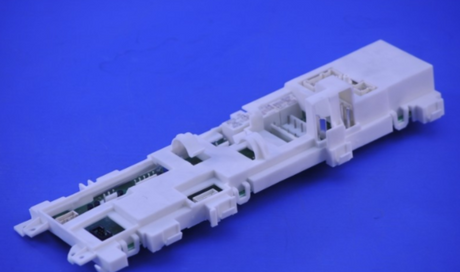
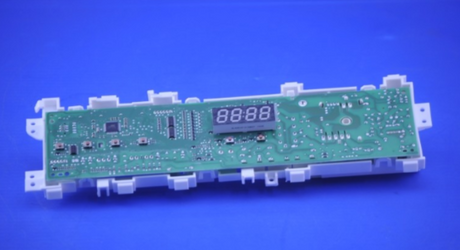
Fisher Paykle Washing Machine Motor Control Module Pcb WH60F60W3, WH60F60WV1 Brand New
05478
$391.00 NZDUnit price /Unavailable-


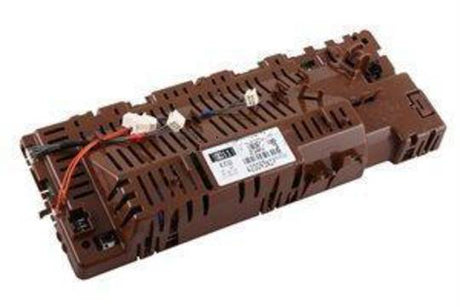
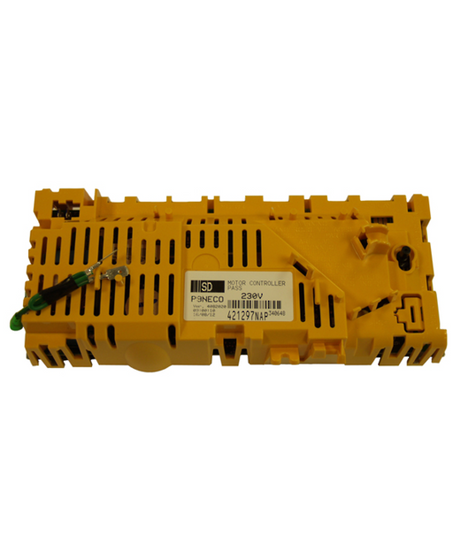
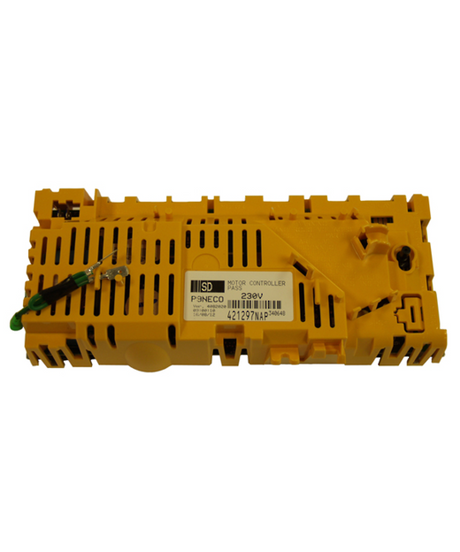
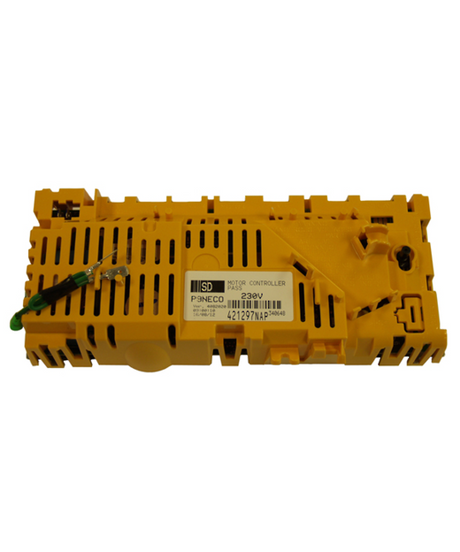
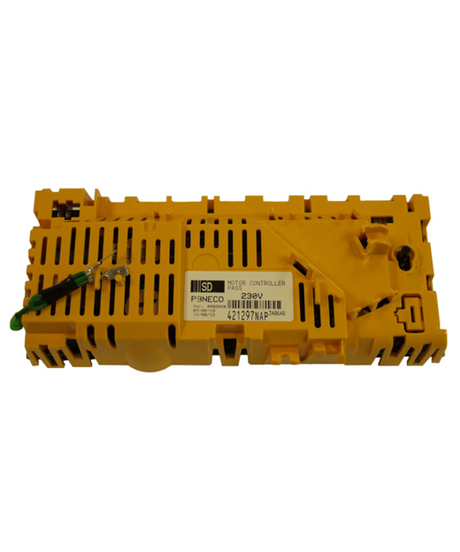


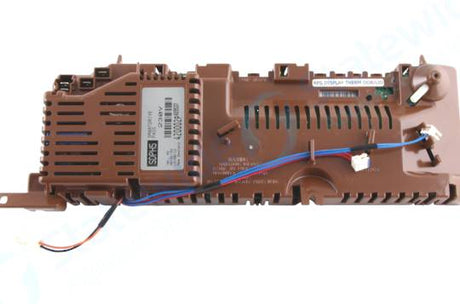
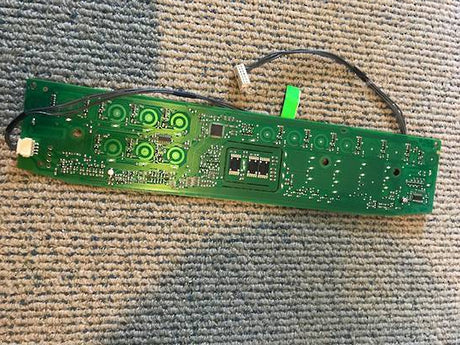
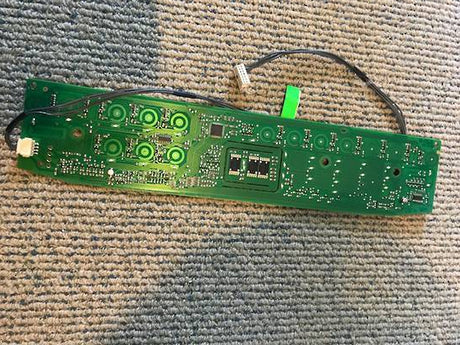
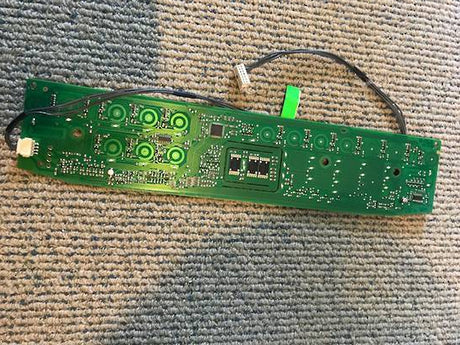


Replacement Fisher & Paykel Washing Machine PCB NZ: Buyer's Guide
Finding a replacement Fisher & Paykel washing machine PCB in NZ is much easier once you know which type of board your machine uses. We stock replacement control boards for Fisher & Paykel and Elba washers, with delivery across New Zealand.
The PCB (printed circuit board) is the electronic brain of your washer. It reads your selections from the buttons or dial, runs the wash programme, and tells the water valve, pump and motor when to start and stop. Many Fisher & Paykel models split these jobs across more than one board, typically a motor control module that drives the motor and a display board that handles the panel. That is why the range includes several different boards for what looks like the same machine.
Boards usually fail for ordinary reasons: moisture or small leaks reaching the electronics, power surges, heat building up over years of use, and worn solder joints or connectors from constant vibration. A board can also be damaged by another failing component, such as a seized motor or a faulty valve, which is why it pays to look at the whole machine and not just the board.
How to find the right PCB for your Fisher & Paykel washing machine
Start with your model number. It is printed on the rating label, which on most washers is found on the back panel, inside the lid or around the door opening, though the exact spot varies between models, so check your user manual if you cannot see it. Model numbers on our listings look like WA1068G1, WL80T65CW1, WH8560F1 or IW512. Do not confuse the model number with the serial number, as only the model number is used to match parts.
If you can safely access the old board, look for a part number printed or stamped on it or on its label. Fisher & Paykel part numbers often look like 421389NAP. Write it down or take a clear photo, then compare it with the part numbers and compatible models shown in each product title and description.
Common mix-ups are worth knowing about before you order:
- A motor control module and a display board are separate parts, even when they come from the same machine.
- Washsmart and Aqua Smart models use their own boards, so the same-looking board from another range may not fit.
- Older versions of a board can look almost identical to the current one but be listed for different models.
- Some listings cover both Fisher & Paykel and Elba machines, so match the model number rather than the brand name on the front.
Some boards in the range show an enquiry option instead of an add to cart button. If you see one for your model, send us your model number and part number and our team will confirm what is available.
Common types of washing machine PCB and signs they need replacing
| Type | What it does | Signs it needs replacing |
|---|---|---|
| Main control module | Runs the wash programme and coordinates the other components | Machine will not power up or start, stops part-way through a cycle, or behaves erratically after a power surge |
| Motor control module | Controls the motor's speed and direction for washing and spinning | Drum or agitator does not move, spin cycle fails, or the machine stops mid-cycle while the motor itself seems fine |
| Display control module | Shows programme and status information and registers your selections | Blank or garbled display, missing indicator lights, or an unresponsive dial or buttons |
| Washsmart or Aqua Smart control PCB | Model-specific boards for those ranges that manage programmes and motor functions | Symptoms vary by model, so check the compatible models on the product page before ordering |
| Button or touch PCB | Small board behind the touch or button panel that sends your selections to the controller | Some buttons stop responding while others still work |
Before you buy, confirm the board is really the cause. Check that the machine has power at the wall and try a different outlet. Look closely at the board for burn marks, corrosion or moisture, and check that connectors are seated properly. Consult your manual for any error codes or beeps, and rule out simpler faults first, as a blocked drain or a faulty water valve can mimic a control problem. If you are still unsure, a licensed technician can test the board for you.
Common causes of failure and how to avoid them
Water is the biggest enemy of a washer's electronics. A weeping hose connection or a leaking washing machine inlet valve can drip onto or near the board over months, so it is worth fixing any leak before fitting the new board, otherwise the replacement can fail the same way.
A motor or pump that is struggling can also put extra load on the electronics. If your machine has been slow to drain or labouring through spin cycles, check the washing machine drain pump as well. To extend the life of the new board:
- Plug the washer into a surge-protected outlet, because voltage spikes are a common cause of sudden board failure.
- Level the machine and avoid overloading it, as heavy, unbalanced loads strain the motor and shake connectors loose over time.
- Keep the area around the machine dry and ventilated so moisture and heat do not build up around the electronics.
Fitting tips
- Unplug the washer and switch it off at the wall before opening any panel, because the board connects to mains-powered components.
- Take clear photos of every connector and wire before you disconnect anything, so you can refit them in exactly the same positions.
- Hold the new board by its edges and avoid touching the components, as static and skin oils can damage sensitive electronics.
- Compare the old and new boards side by side, checking the connector shapes, layout and any part number, before you install the new one.
- Never force a connector, since a plug that will not seat easily usually means a mismatch or a bent pin rather than a tight fit.
- Route wiring clear of moving parts and water paths, and refit all covers securely, so nothing rubs, snags or gets wet during a cycle.
- Run a short test cycle and watch for leaks or unusual noises, and if you are not comfortable working near mains wiring, ask a licensed technician to fit the board.
Related parts
If you are still working out which part you need, these collections may help:
- Washing machine PCBs for control boards covering other brands, if your machine is not a Fisher & Paykel.
- Washing machine inlet valves if your machine fills slowly, overfills or leaks near the water connection.
- Washing machine drain pumps if water is not draining properly and you want to rule out the pump.
- Fisher & Paykel appliance parts for other spares across the brand's range.
- Washing machine spare parts for the full range of laundry spares, including seals, hoses and filters.
Frequently asked questions
How do I find the right PCB for my Fisher & Paykel washing machine?
How do I find the right PCB for my Fisher & Paykel washing machine?
Start with the model number on the rating label, which is usually on the back panel, inside the lid or around the door opening. Then compare it with the compatible models listed in each product title and description. If you can reach the old board, note the part number printed on it as well, since this is the most reliable way to match the replacement.
What is the difference between a motor control module and a display board?
What is the difference between a motor control module and a display board?
A motor control module drives the motor for washing and spinning, while a display board shows programme information and registers your button or dial selections. They are separate parts, so a blank display points towards the display board, and a drum that will not turn points towards the motor control module. If your symptoms overlap, send us your model number and we can help you narrow it down.
Can I replace a washing machine PCB myself?
Can I replace a washing machine PCB myself?
Many people do, as long as they unplug the machine, take photos of every connector before removing anything, and compare the new board with the old one before fitting. Washers contain mains-powered parts, so if you are not comfortable working near the wiring, it is safest to have a licensed technician fit it. Always make sure the machine is unplugged and switched off at the wall first.
How do I know if the PCB is the problem and not another part?
How do I know if the PCB is the problem and not another part?
Rule out the simple things first: check the power outlet, look at the board for burn marks or moisture, make sure connectors are seated, and see if your manual lists an error code. A blocked drain, a faulty inlet valve or a worn pump can mimic a control fault. If the machine still shows signs like a dead display, no response from buttons or a motor that will not start, the board becomes the more likely cause.
What if my model is not listed or the board shows Enquire Now?
What if my model is not listed or the board shows Enquire Now?
Some boards are listed for enquiry rather than direct purchase, and some older models are not shown at all. Send us your model number, the part number from your old board if you have it, and a photo of the board, and our team will check what is available and what fits. Please do not guess between similar-looking boards, as the wrong one can be costly to return and could damage your machine.