


Oven Control Panel Decal Sticker Symbols Label 7
05543
$20.00 NZDUnit price /UnavailableIn stock (12 units)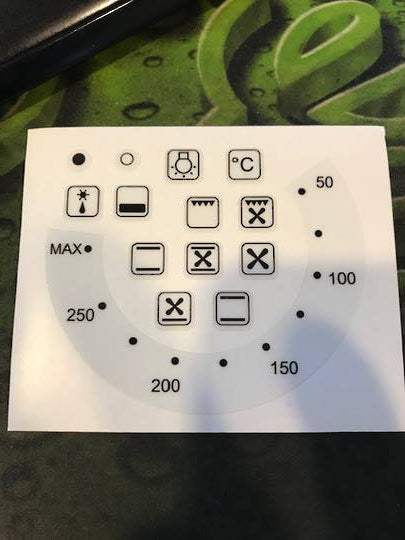
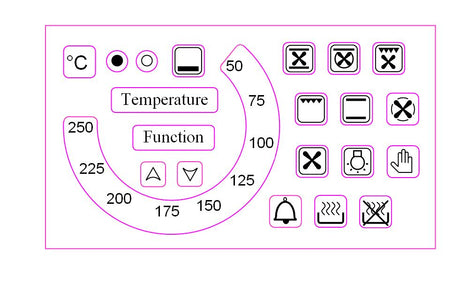
Oven Control Panel Decal Sticker 250c 18 Symbol
05452HH
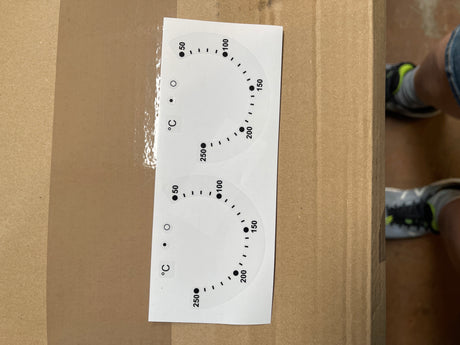
$25.50 NZDUnit price /UnavailableIn stock (3 units)Oven Control Panel Decal Sticker Symbols 50-250c
05546
$19.00 NZDUnit price /UnavailableIn stock (4 units)-

Oven Control Panel Decal Sticker Symbols Label 6
05542
$30.00 NZDUnit price /UnavailableIn stock (5 units)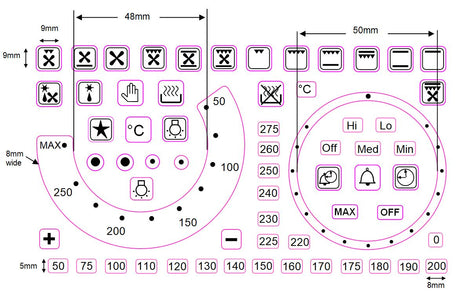
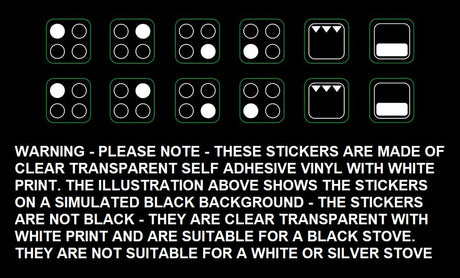
Oven Control Panel Decal Sticker Symbols 21 separate oven symbol
05543KK
$30.00 NZDUnit price /UnavailableIn stock (4 units)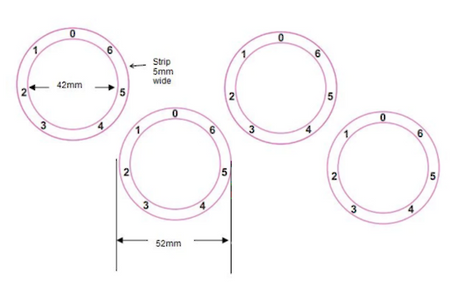
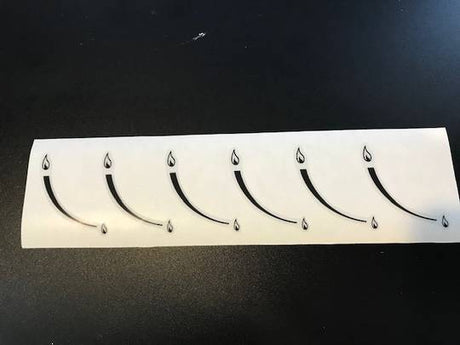
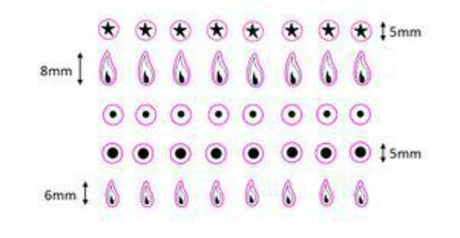
Oven Control Panel Decal Sticker Gas Flame Symbol Label 24
07935
$10.00 NZDUnit price /UnavailableIn stock (5 units)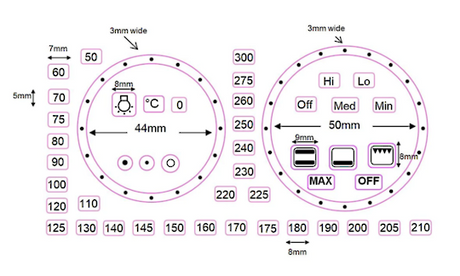
Gas Oven and Cooktop Decal Stickers Label 34
HA15791
$25.00 NZDUnit price /UnavailableIn stock (3 units)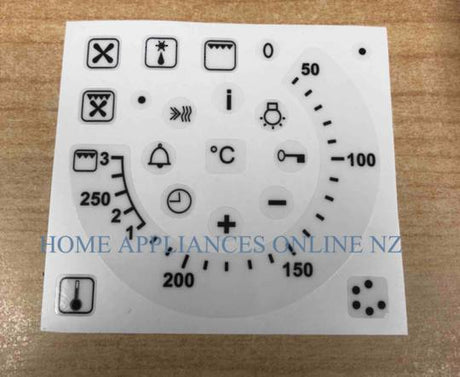
Oven Control Panel Decal Sticker 250c with grill at the end
05452A
$20.00 NZDUnit price /UnavailableIn stock (6 units)-
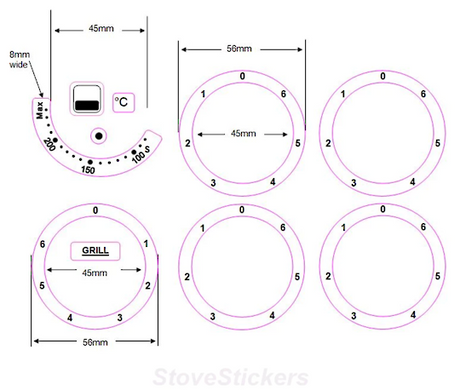
Oven Control Panel Decal Sticker Symbols Label 17A
HA17435
$28.00 NZDUnit price /UnavailableIn stock (3 units)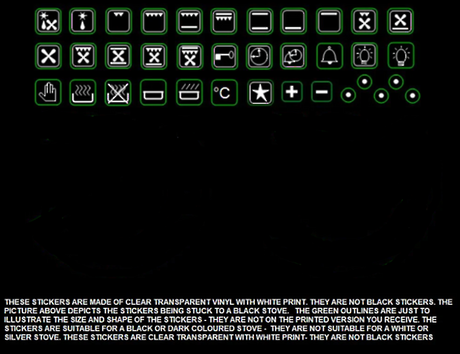
Oven Control Panel Decal Sticker White Symbols Label 1W
HA15785
$24.95 NZDUnit price /UnavailableVery low stock (1 unit)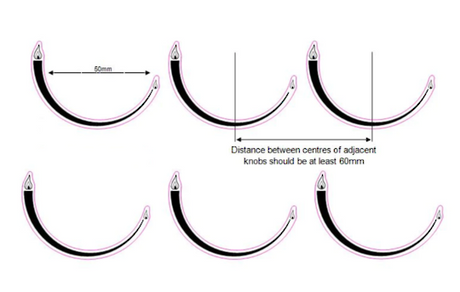
Gas Oven and Cooktop Decal Stickers Label 32
HA15789
$20.00 NZDUnit price /UnavailableIn stock (4 units)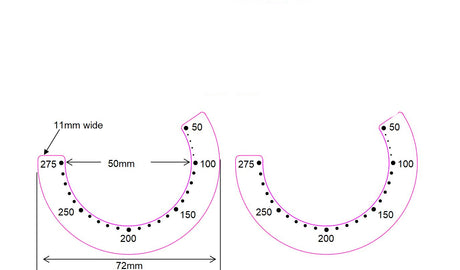
Oven Control Panel Decal Sticker Symbols 50-275c
05546MM
$20.00 NZDUnit price /UnavailableIn stock (8 units)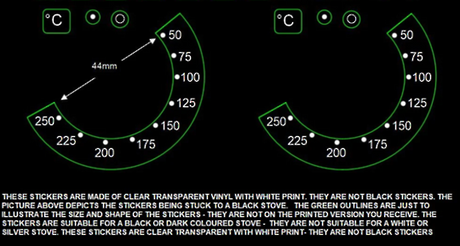

Samsung Oven Control Panel including Decal NV70K1340BS NV70K1340BS/SA
HA01380
$105.00 NZDUnit price /Unavailable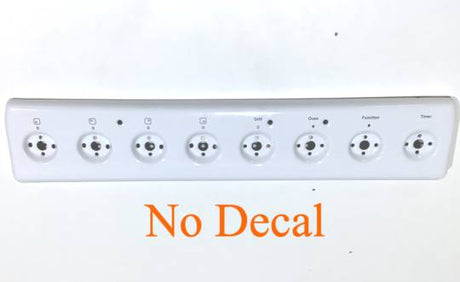
Parmco Oven Control Panel FS54CER FS54R Older Version No Decal
HA18303
$72.00 NZDUnit price /UnavailableVery low stock (1 unit)
Oven Control Panel Decal Sticker Symbols Label 8
05544
$21.85 NZDUnit price /UnavailableIn stock (4 units)
Oven Control Panel Decal Sticker Gas Flame Symbol Label WHITE on Black Appliances 44
07935WH
$10.00 NZDUnit price /UnavailableIn stock (3 units)
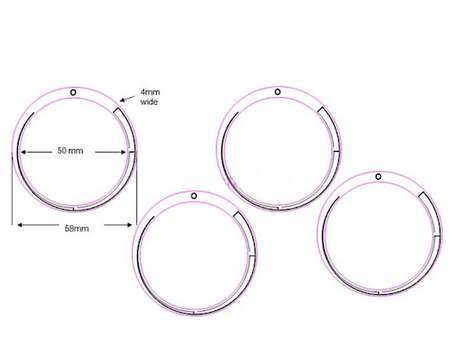
Oven Control Panel Decal Sticker Symbols Label 5
05541
$20.00 NZDUnit price /UnavailableLow stock (2 units)





Oven Decals and Control Panel Overlays: Buyer's Guide
Oven decals are the printed labels and overlays on your oven's control panel. Over years of heat, cleaning and daily use, the markings on knobs, dials and touch panels can fade, peel or wear away completely. A replacement decal restores those markings without the cost of a new control panel or a new oven.
How to find the right decal for your oven
The most reliable way to match a decal is by your oven's model number. You will usually find it on a sticker or metal plate on the door frame, the side edge of the oven door, or the back of the appliance. Note the full number, including any letters, then search for it on our site or compare it against the models listed on each product page.
Common types of oven decals
| Decal type | What it is | Typical signs it needs replacing |
|---|---|---|
| Control panel overlay | Printed fascia covering the main control area | Faded text, peeling corners, worn symbols |
| Knob and dial markers | Temperature and function markings around the knobs | Unreadable settings or missing markings |
| Timer and clock fascia | Label around the clock or timer display | Scratches, discolouration, lifting edges |
| Brand badge | Manufacturer name or logo label | Cracking, fading, falling off |
Fitting tips
- Switch off the oven at the wall and make sure the panel is completely cool before you start.
- Clean the surface with a mild degreaser and dry it thoroughly so the new decal sticks properly.
- Peel off any old decal residue carefully, without scratching the panel.
- Line the new decal up before removing the whole backing, then press it down from one edge to avoid air bubbles.
Related parts
If your oven controls are worn, you may also need oven and cooktop knobs or oven door seals and gaskets. Not sure which part you need? Contact our team with your model number and we will help you find the right one.
Frequently asked questions
How do I know which oven decal fits my model?
How do I know which oven decal fits my model?
Find the model number on the sticker or plate on the door frame or oven edge, then match it against the compatible models listed on each product page. If you are unsure, contact us with your model number and we will check for you. It is very important to get the correct decals for your model, especially for temperature and time decals. If you get the wrong ones, your oven timer and temperature may be set to something different than you think. Make sure the decals you are purchasing have the same max temperature and time in the same spots as your previous decals, and if you are unsure please reach out and we will do our best to help.
Are oven decals heat resistant?
Are oven decals heat resistant?
Oven decals are designed for use on control panels, which sit away from the hottest parts of the oven. Check the product description for the material and any temperature guidance before buying.
Can I fit an oven decal myself?
Can I fit an oven decal myself?
Yes, in most cases. Clean and dry the panel, remove the old decal, line up the new one and press it down from one edge. No tools are usually needed.
How do I remove the old decal and residue?
How do I remove the old decal and residue?
Peel it off slowly, then remove leftover adhesive with a mild degreaser or a little warm soapy water. Avoid harsh scrapers that could scratch the panel.
What if my decal is not listed for my oven?
What if my decal is not listed for my oven?
Send us your oven brand and model number. We may be able to source it or suggest a suitable alternative.